
1win App Download for Android APK and iOS Version 2026
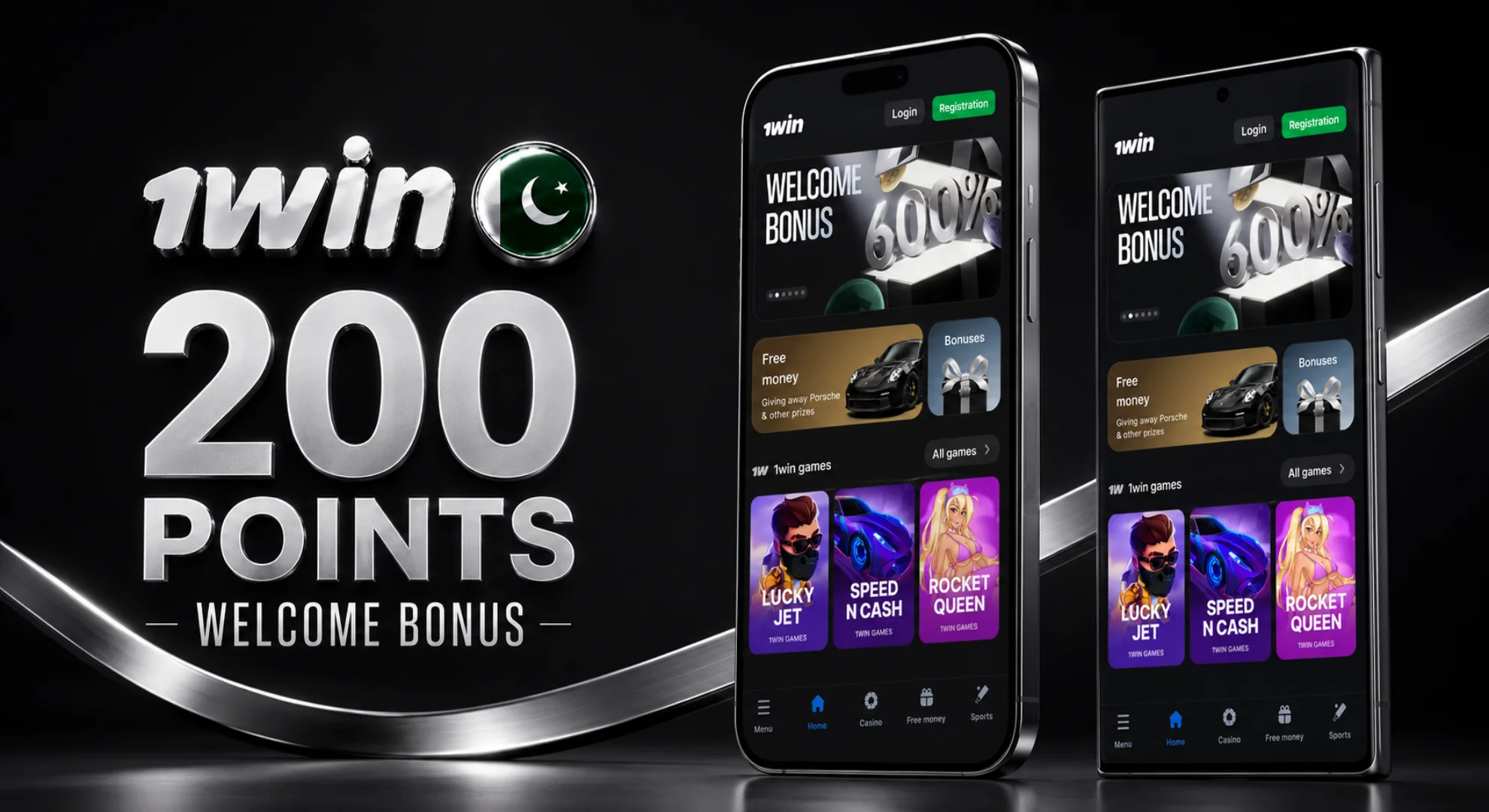
Got the 1win app yet? It’s available for Android as an APK, for iPhone as a PWA, and for PC too – so wherever you’re playing from, there’s a proper install for it. Download it and you’ll get 200 Points on the house, worth around PKR 350. Register through the app and you can also grab the welcome bonus – up to 500% on fiat or 600% on crypto, worth up to PKR 556,000. It’s quicker than the mobile site, doesn’t drop mid-bet, and works on pretty much any phone you throw at it.
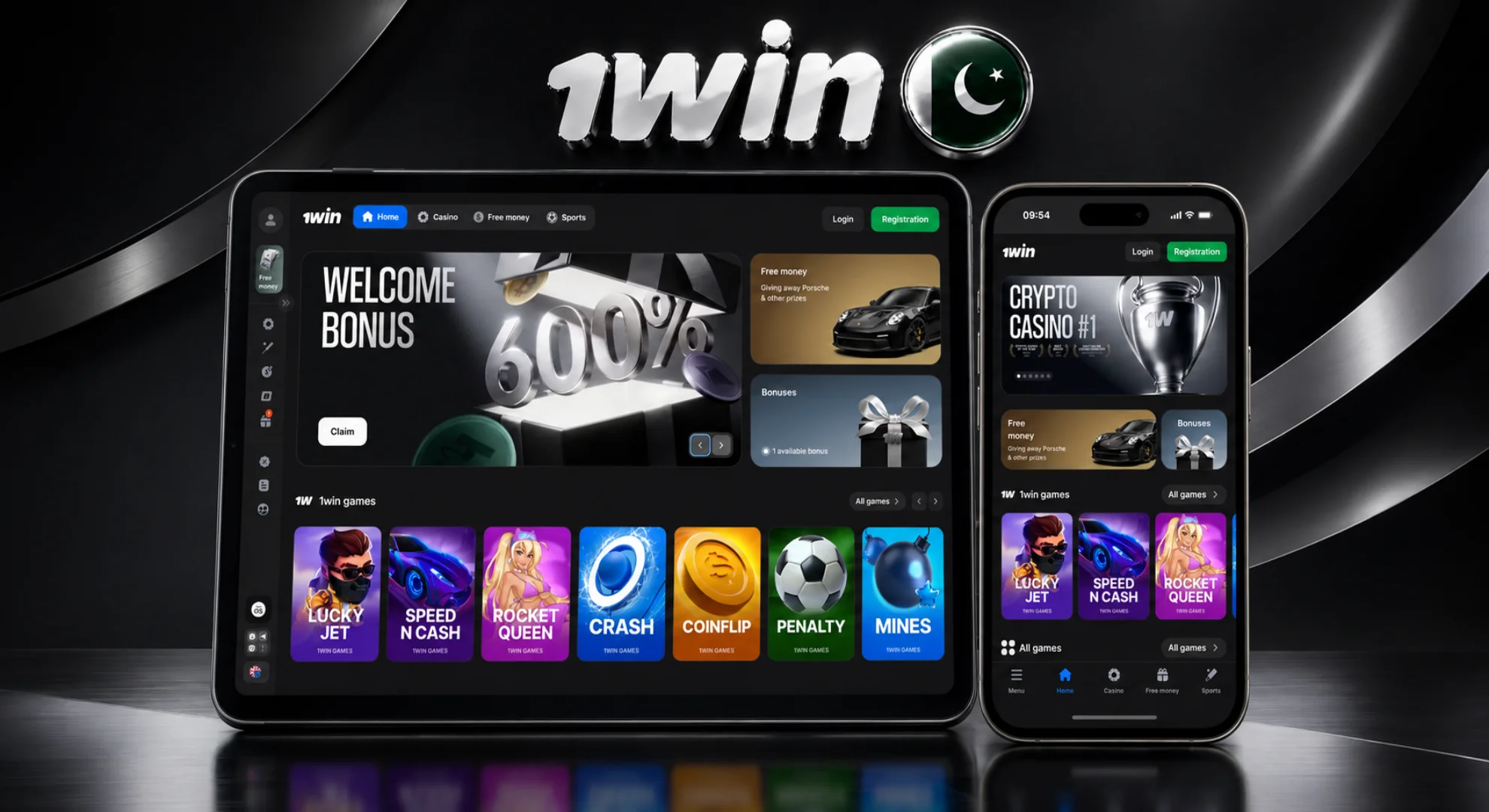
1win App – General Info
Quick rundown before you hit download:
| Parameter | Details |
|---|---|
| Supported payment methods | JazzCash, Easypaisa, Nayapay, bank transfer, cryptocurrency |
| Operating systems | Android, iOS (via PWA), Windows PC |
| Interface languages | English, Urdu, Russian, Ukrainian, Spanish, Portuguese, French, German, Japanese, Korean, Hindi, Arabic, Turkish, and more |
| APK size before installation | 5.25 MB (version 1.5.1) |
| Size after installation | 10 MB |
| License | Curacao, № 8048/JAZ 2018-040 |
| Update method | No auto-update on Android – you’ll redownload from the site each time |
Download 1win App for all Types of Devices

How to Download App for Android?
No Google Play listing here – Android users grab the APK straight from the official 1win website instead. Totally normal for betting apps in Pakistan, and it’s a two-minute job from tap to open. One thing worth flagging: there’s no auto-update, so each time a new version drops, you’re downloading it fresh, same as the first time.
Locate the Download Button
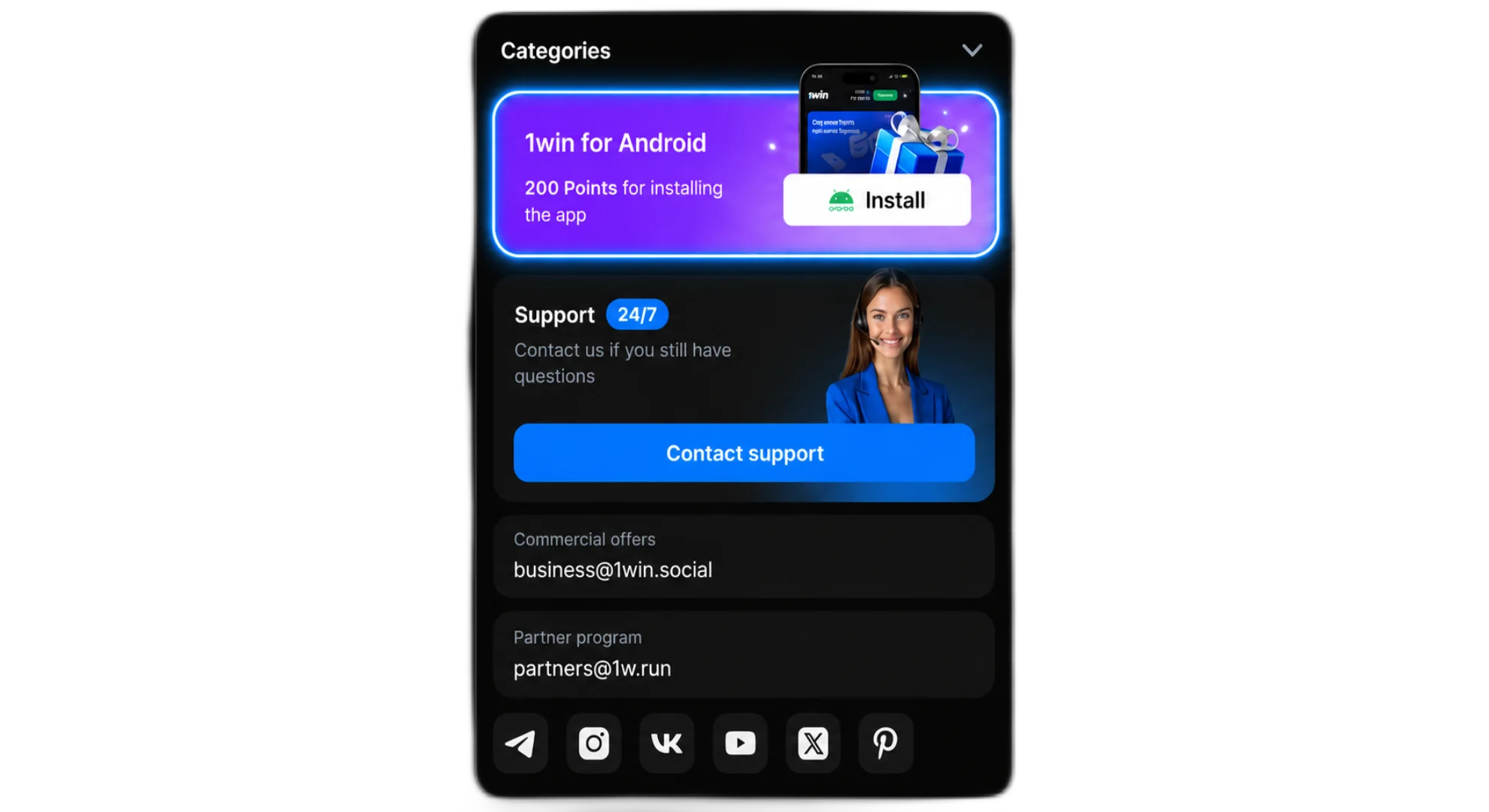
The Android download button sits right below this guide.
Tap to Download
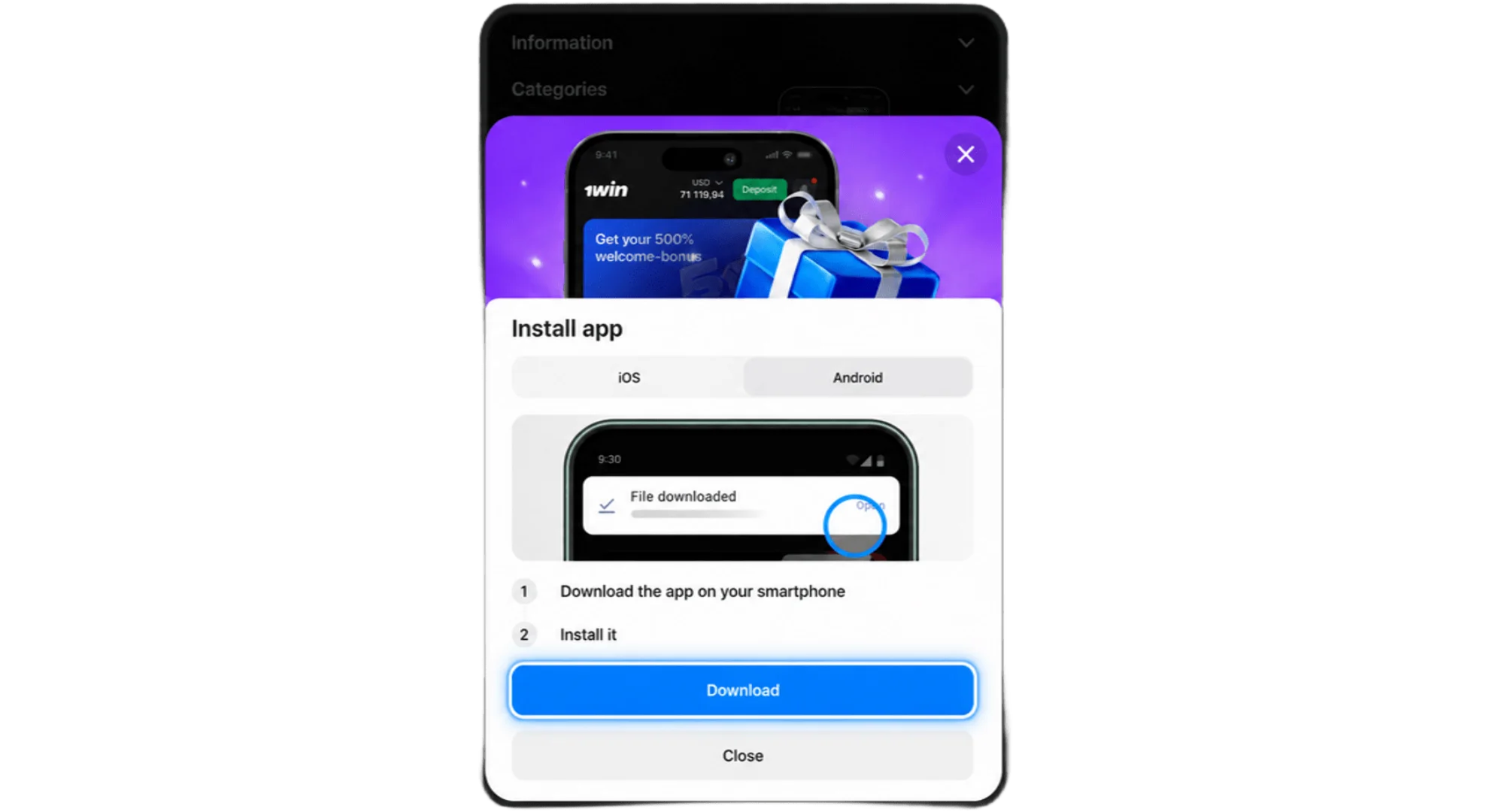
Tap the button and the APK file starts downloading straight to your phone.
Installation Process
File’s on your phone – now what?
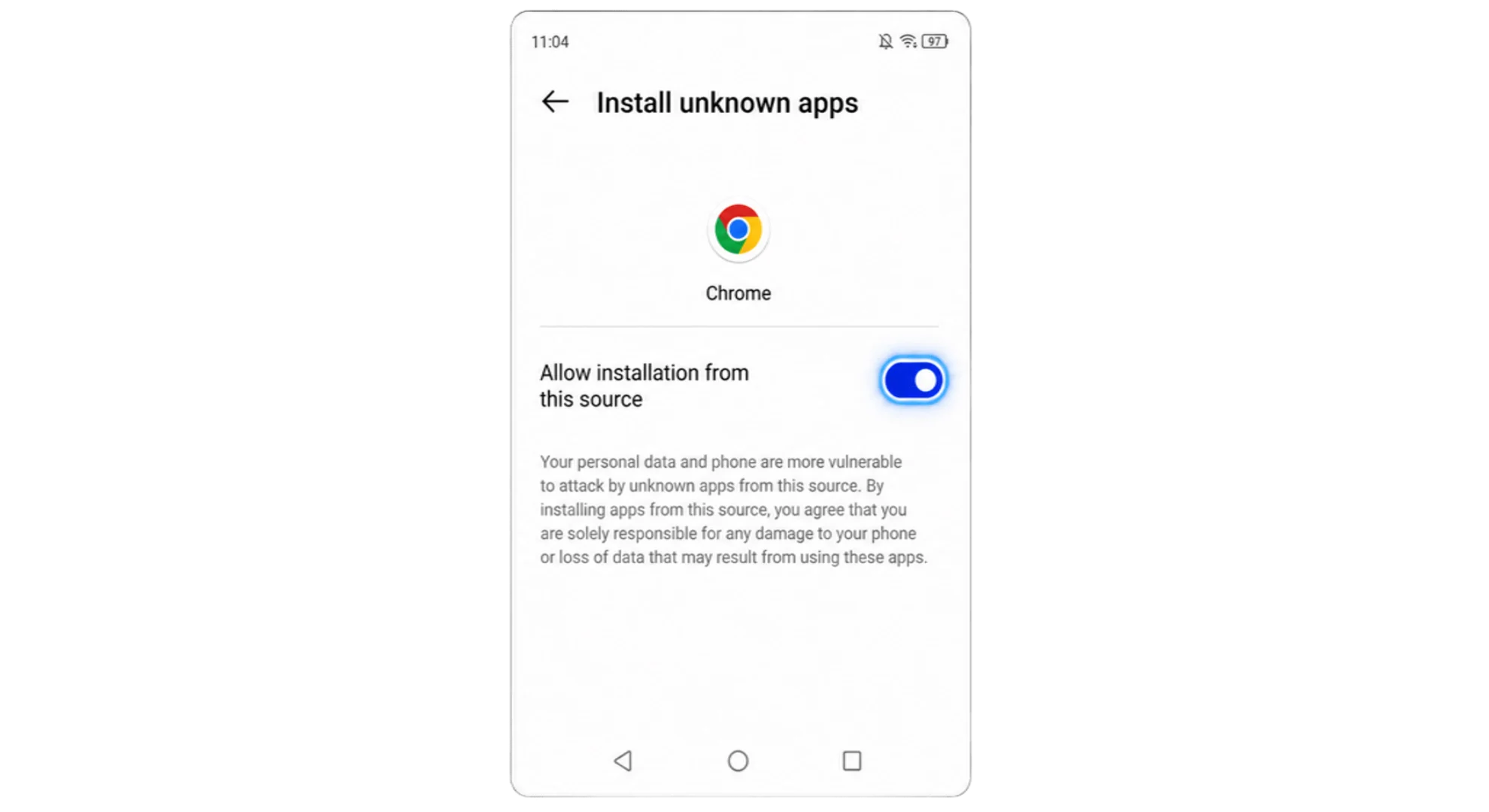
Open your phone’s Settings and allow installation from unknown sources – required for anything outside the Play Store.
Find the 1win.apk file in your Downloads folder.
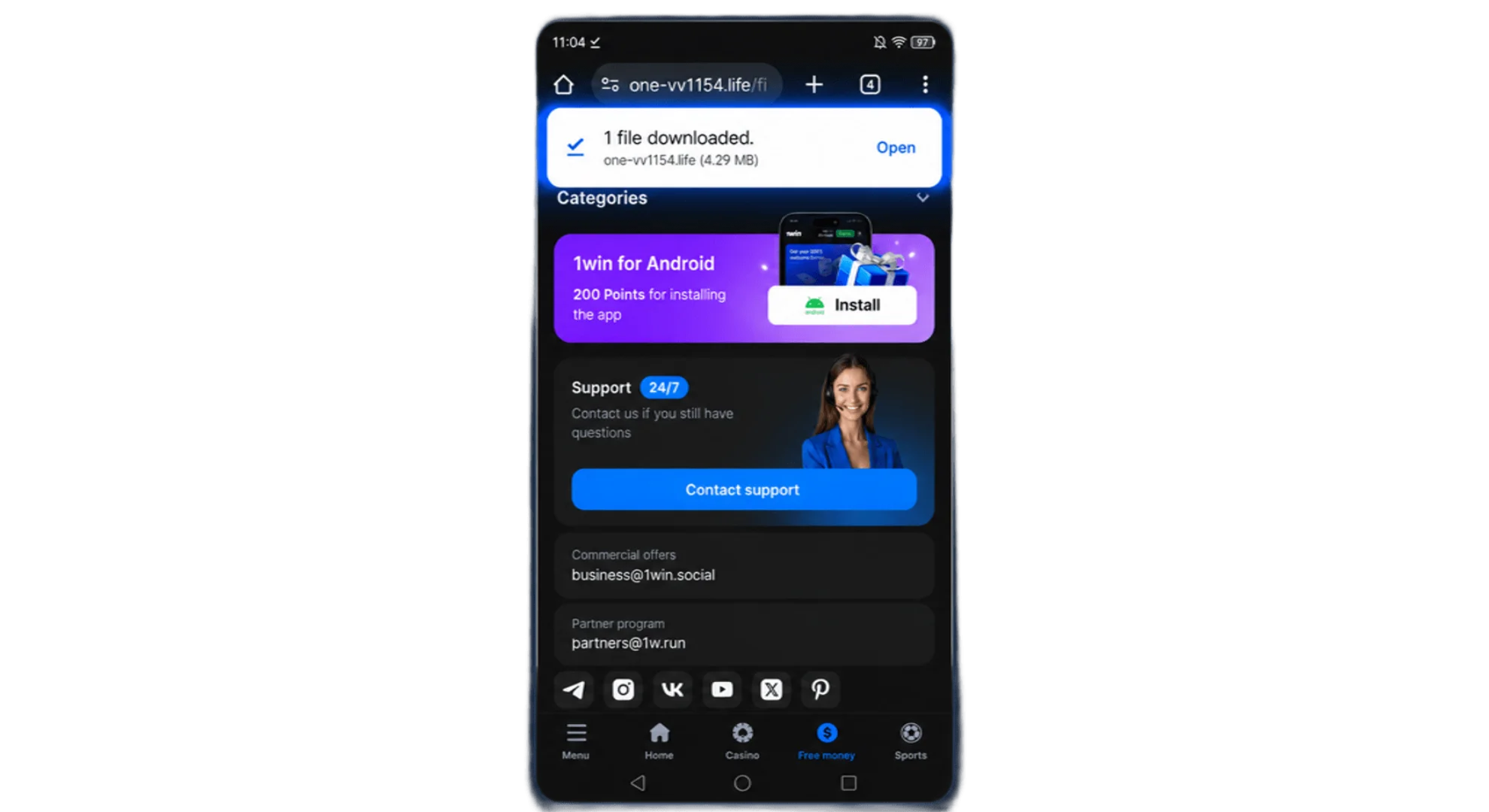
Tap it, then hit Install.
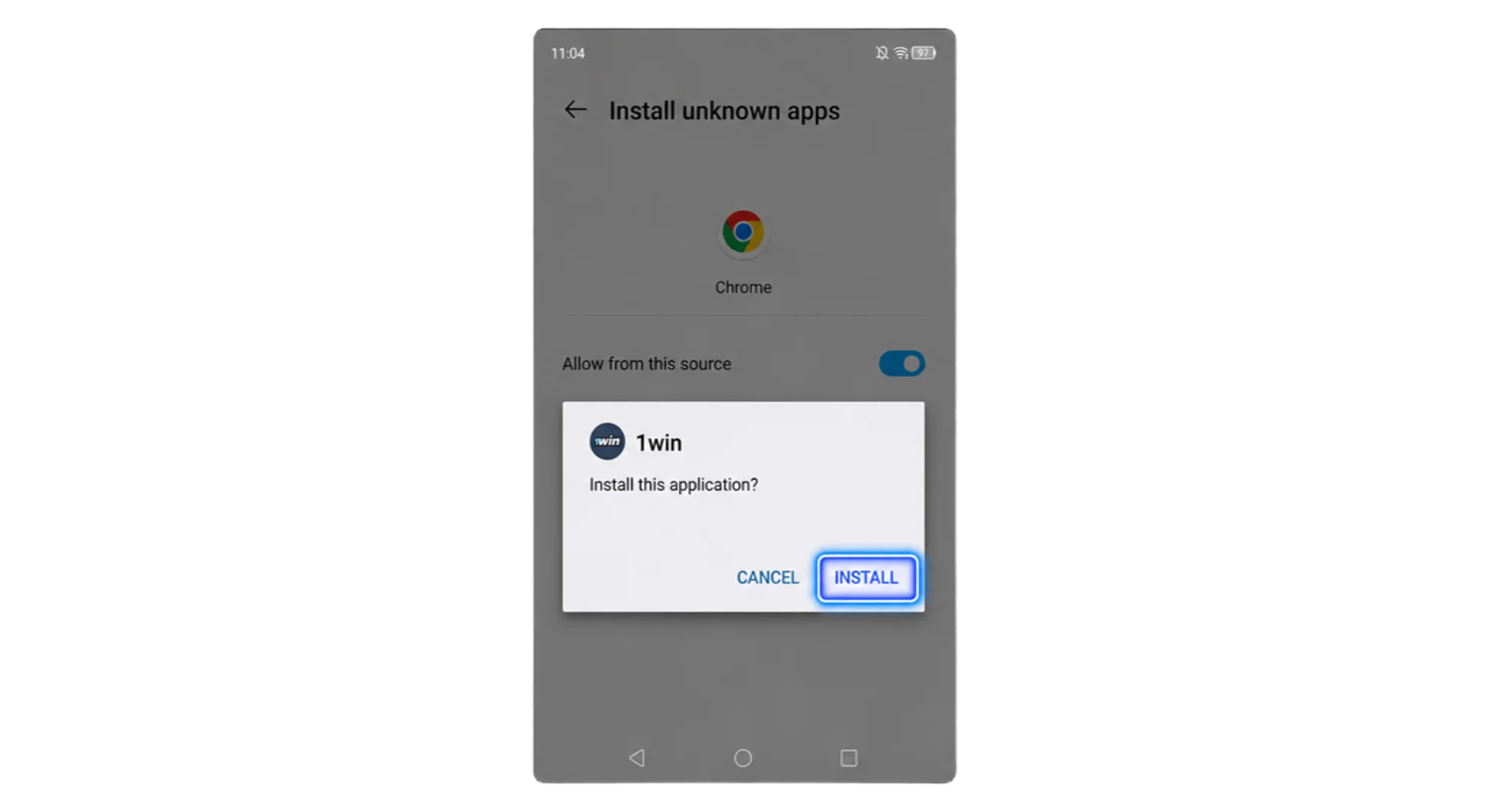
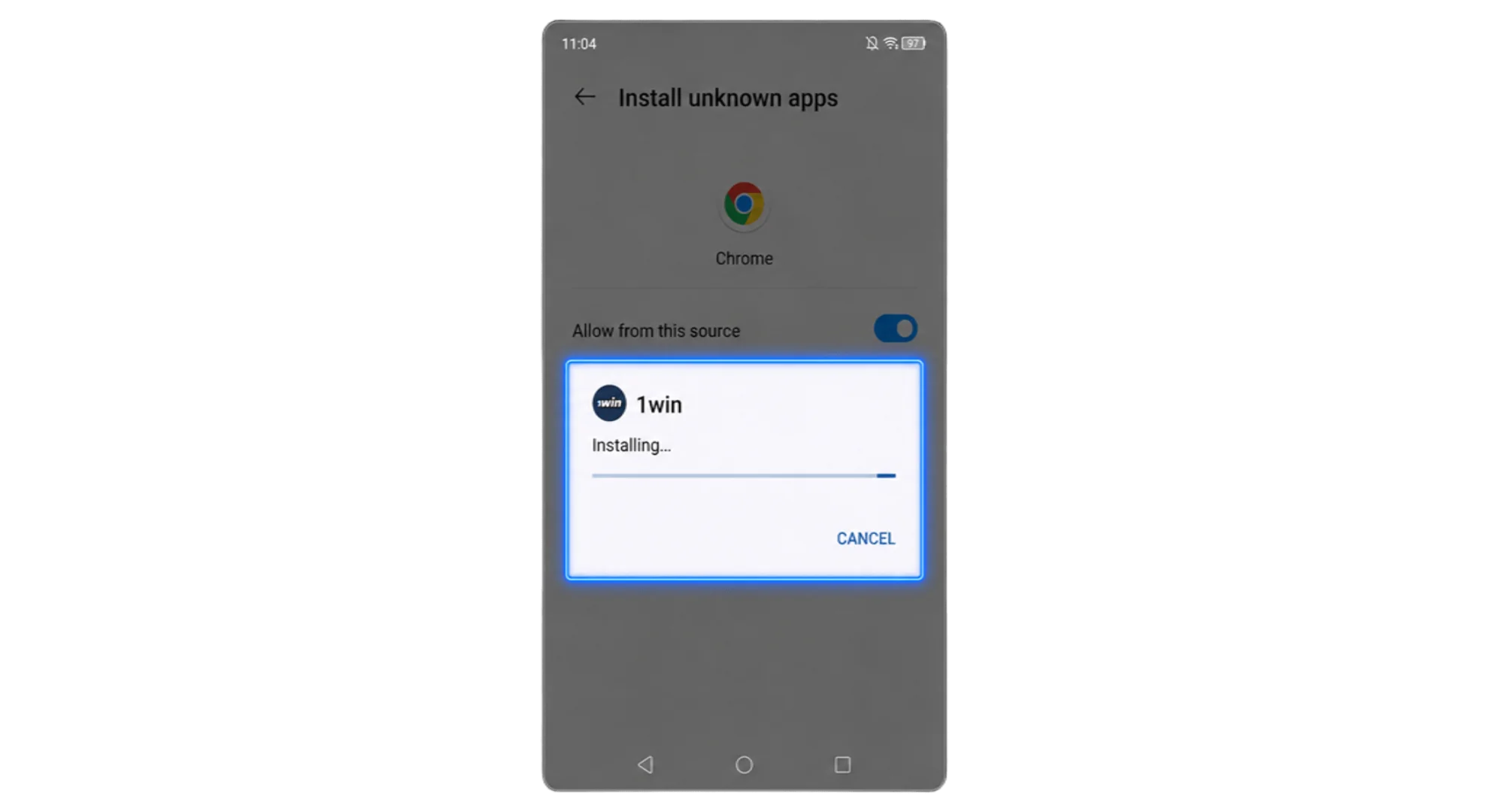
Give it a few seconds to verify and install.
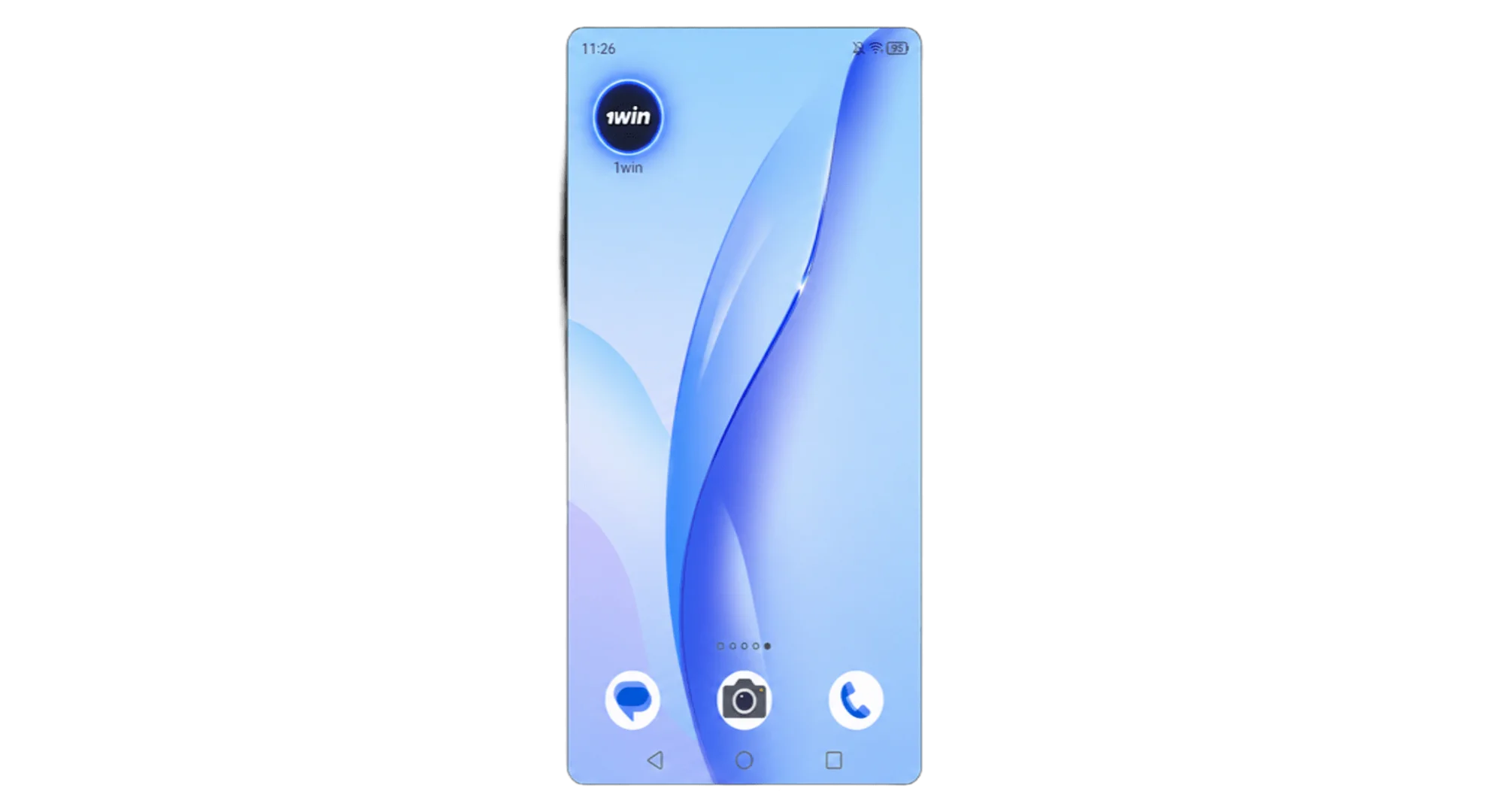
Open the app and log in or register.
System Requirements
Most Android phones sold in Pakistan over the past few years handle this fine. If you’re not sure about yours, here’s what to check:
| Requirement | Minimum | Recommended |
|---|---|---|
| OS version | Android 8.0 (SDK 26) | Android 8.0 (SDK 26) or higher |
| RAM | 1 GB | 2 GB |
| Processor (CPU) | ARMv7a or ARM64-v8a | ARM64-v8a |
| APK size | 5.25 MB download / 10 MB installed | 5.25 MB download / 10 MB installed |
| Internet connection | Stable 3G | 4G or Wi-Fi |
Android Smartphones
Mid-range or better, and you’re basically covered. Phones that run it smoothly:
- Samsung Galaxy A- and M-series
- Xiaomi Redmi Note series
- Vivo Y-series
- Oppo A-series
- Realme C and Narzo series
- Infinix Hot and Note series
Download 1win App for iOS
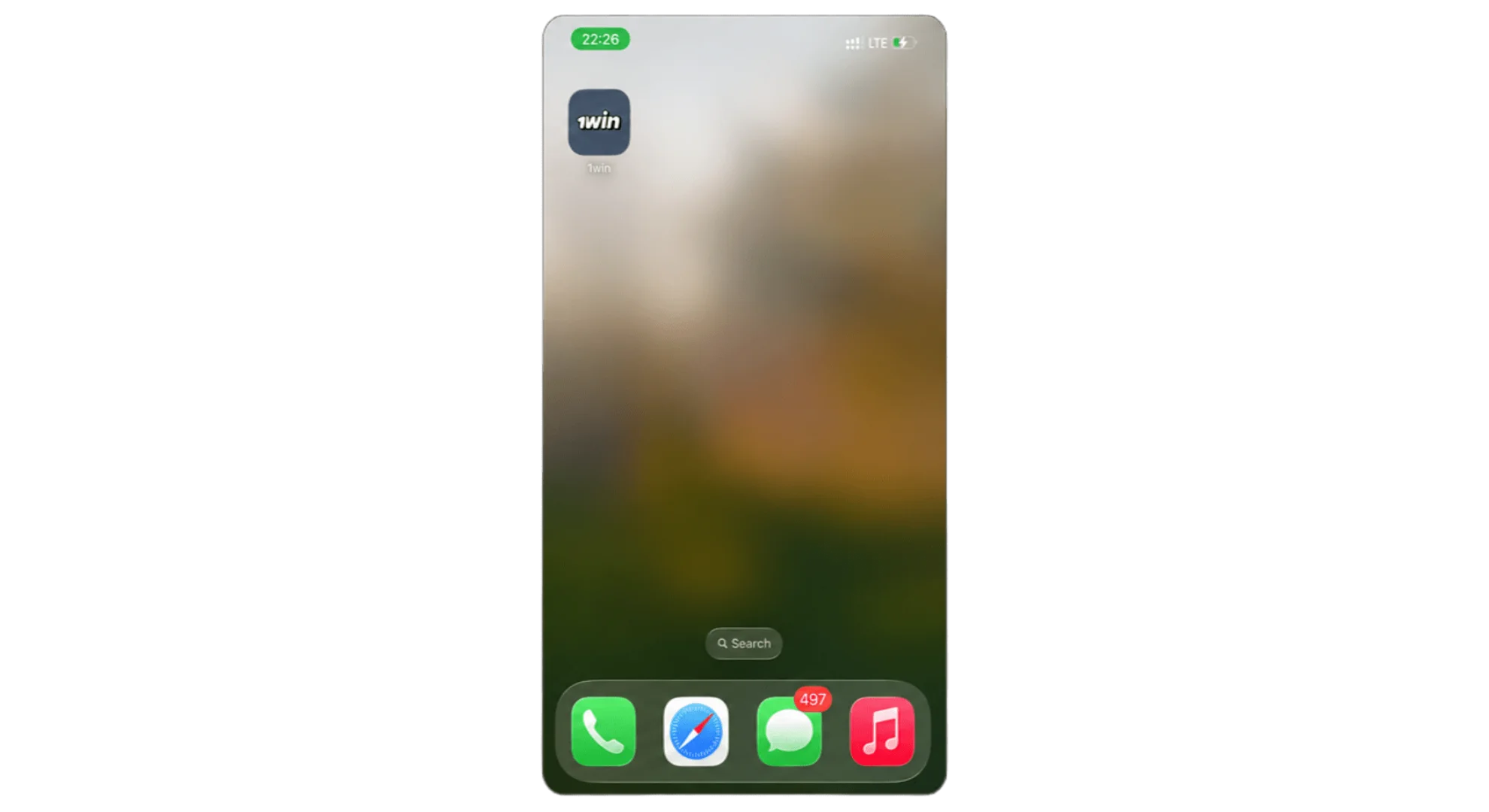
Apple won’t allow real-money gambling apps in the App Store, so there’s no 1win listing there. Instead, iPhone and iPad users install a PWA – once it’s on your home screen, it looks and feels like a real app, full-screen and all, no address bar in sight.
Open Safari and Visit the Site
Has to be Safari – Chrome won’t do the same thing on iOS. If you’re reading this page in another browser, open Safari and pull it up there instead.
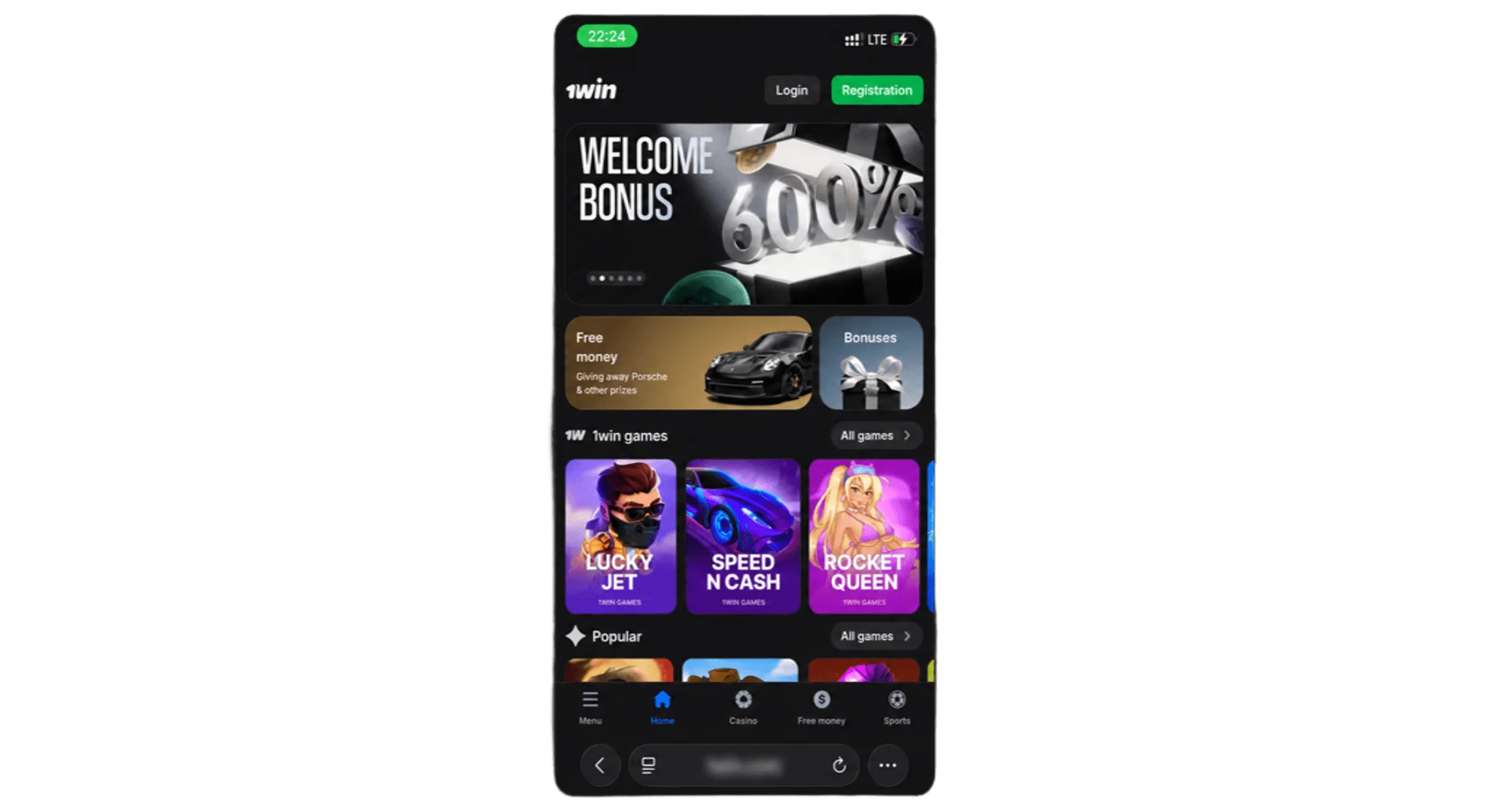
Tap the Share Icon
It’s the square-with-an-arrow icon along the bottom of the Safari screen.
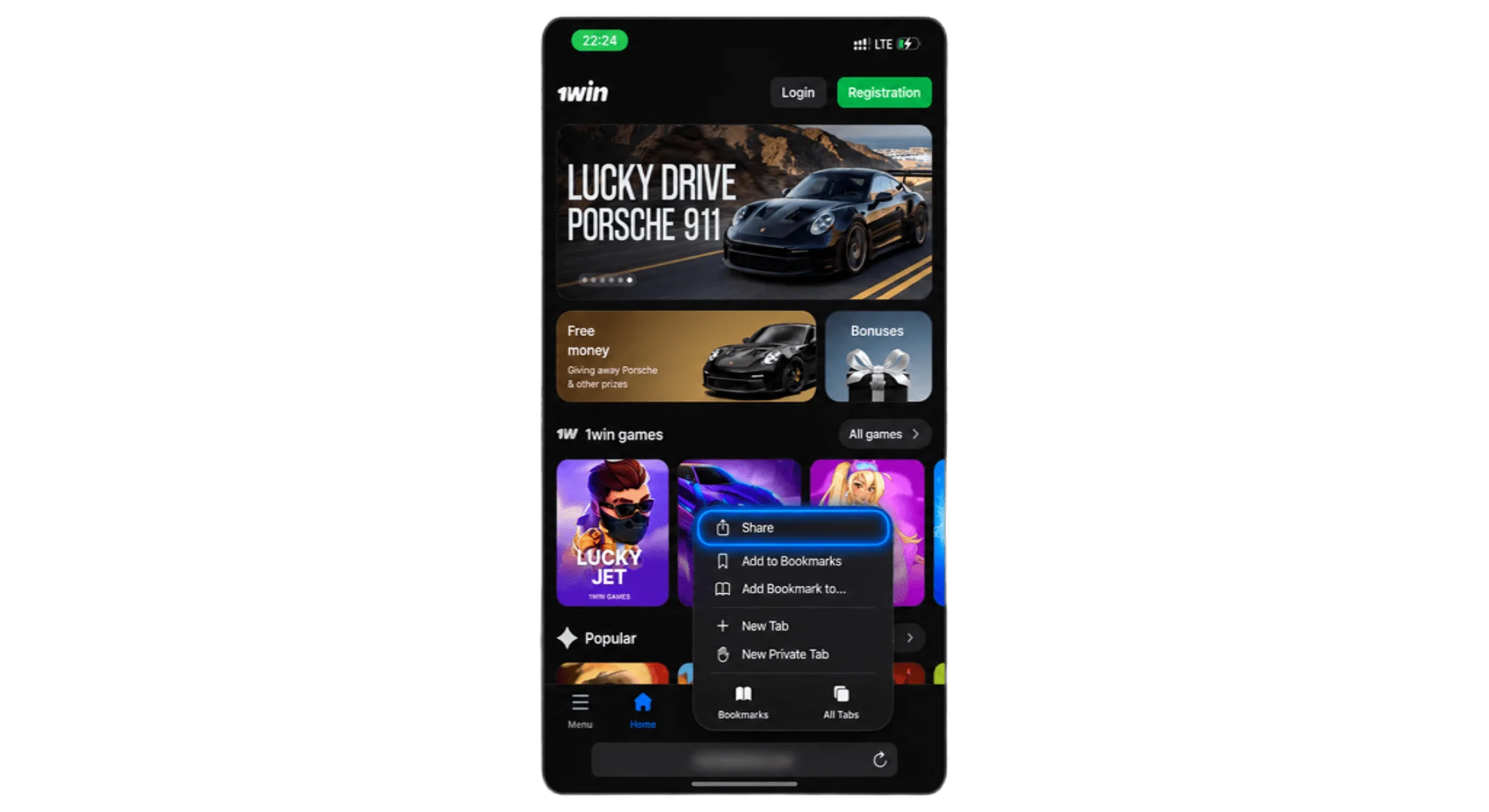
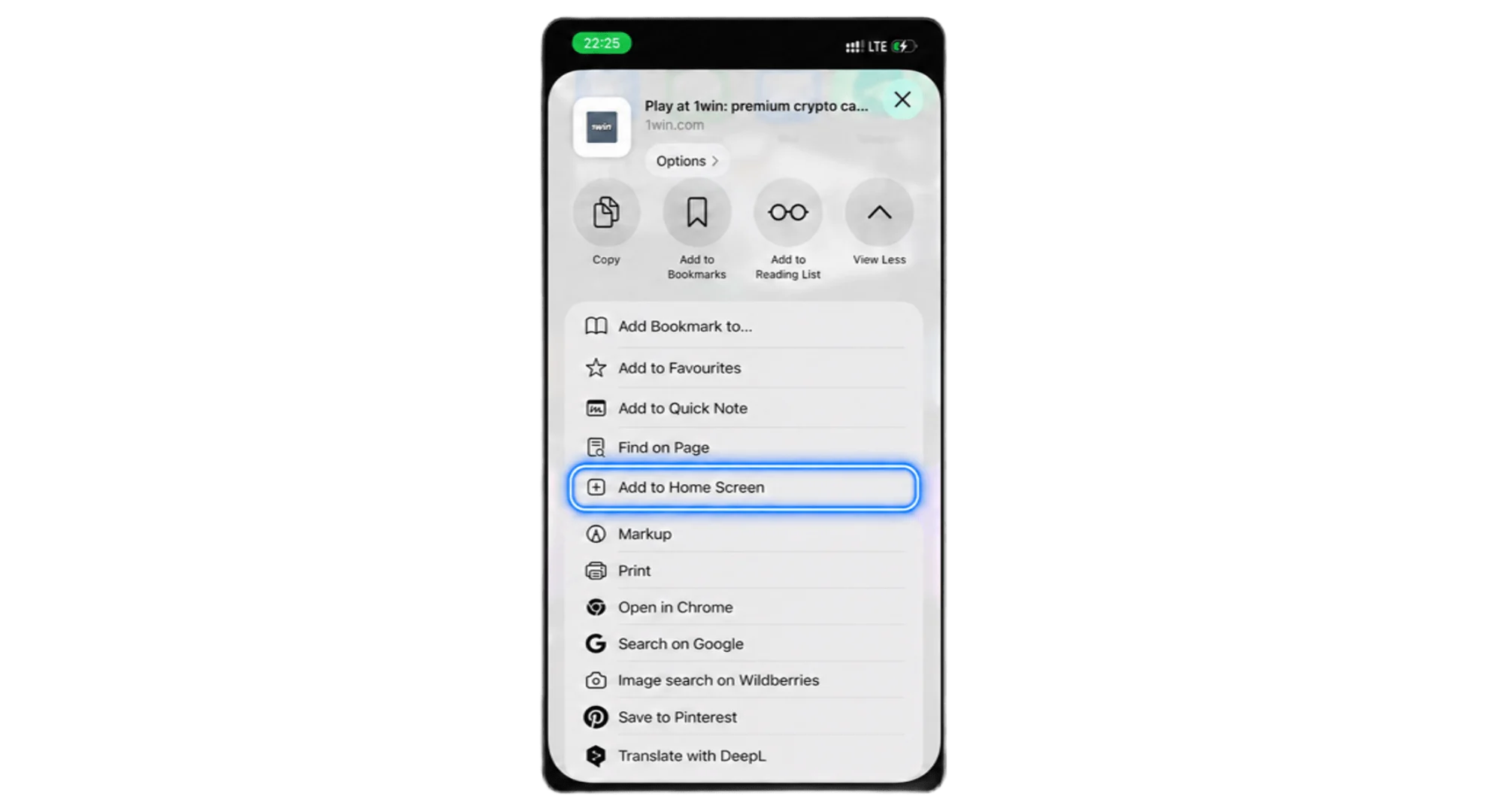
Select “Add to Home Screen”
Scroll down through the share menu until you see this option, then tap it.
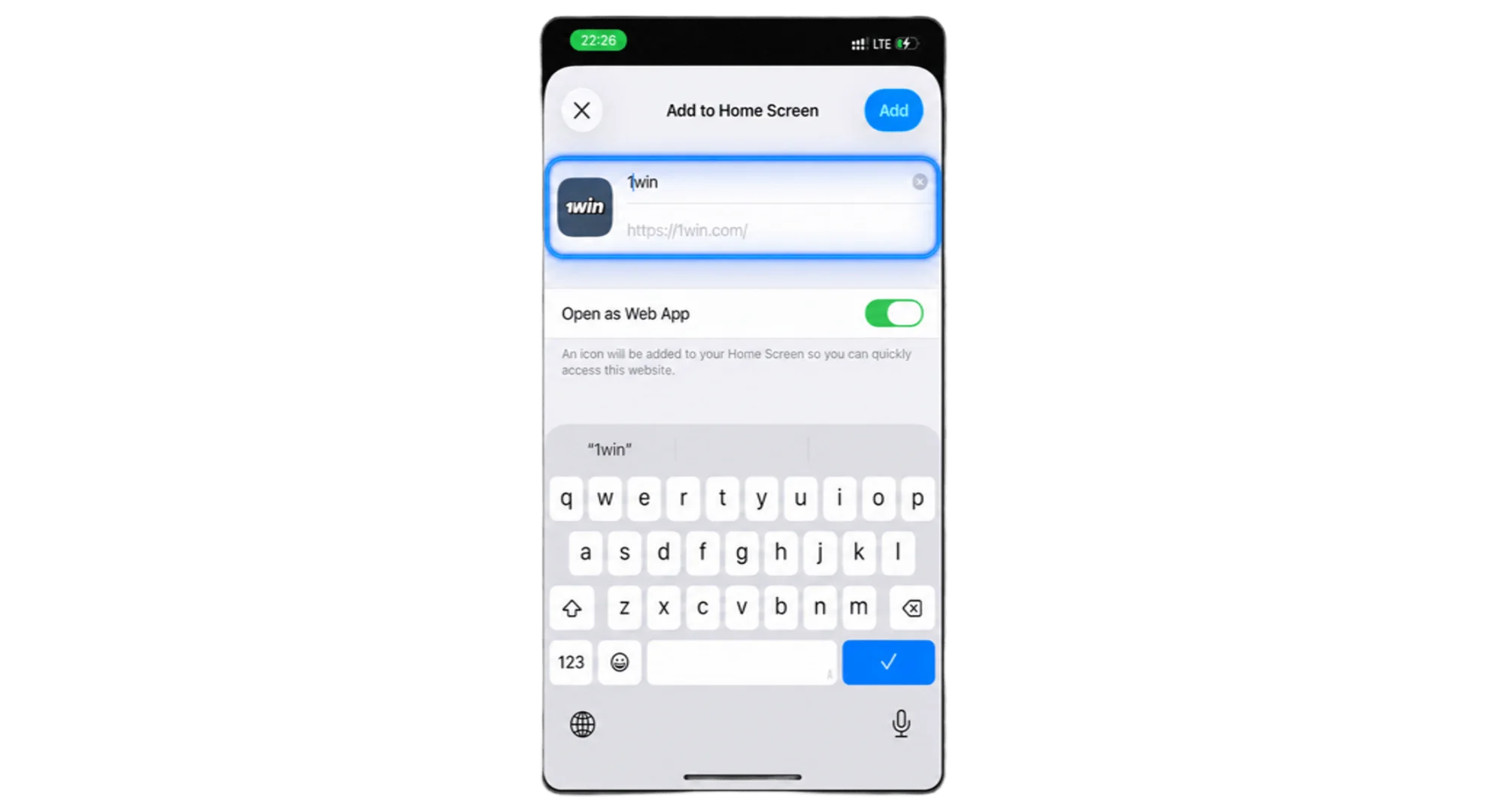
Name the Icon and Confirm
Call it whatever you like, then tap “Add” in the top corner.
Open the App
Find the new 1win icon sitting on your home screen and tap it to launch.
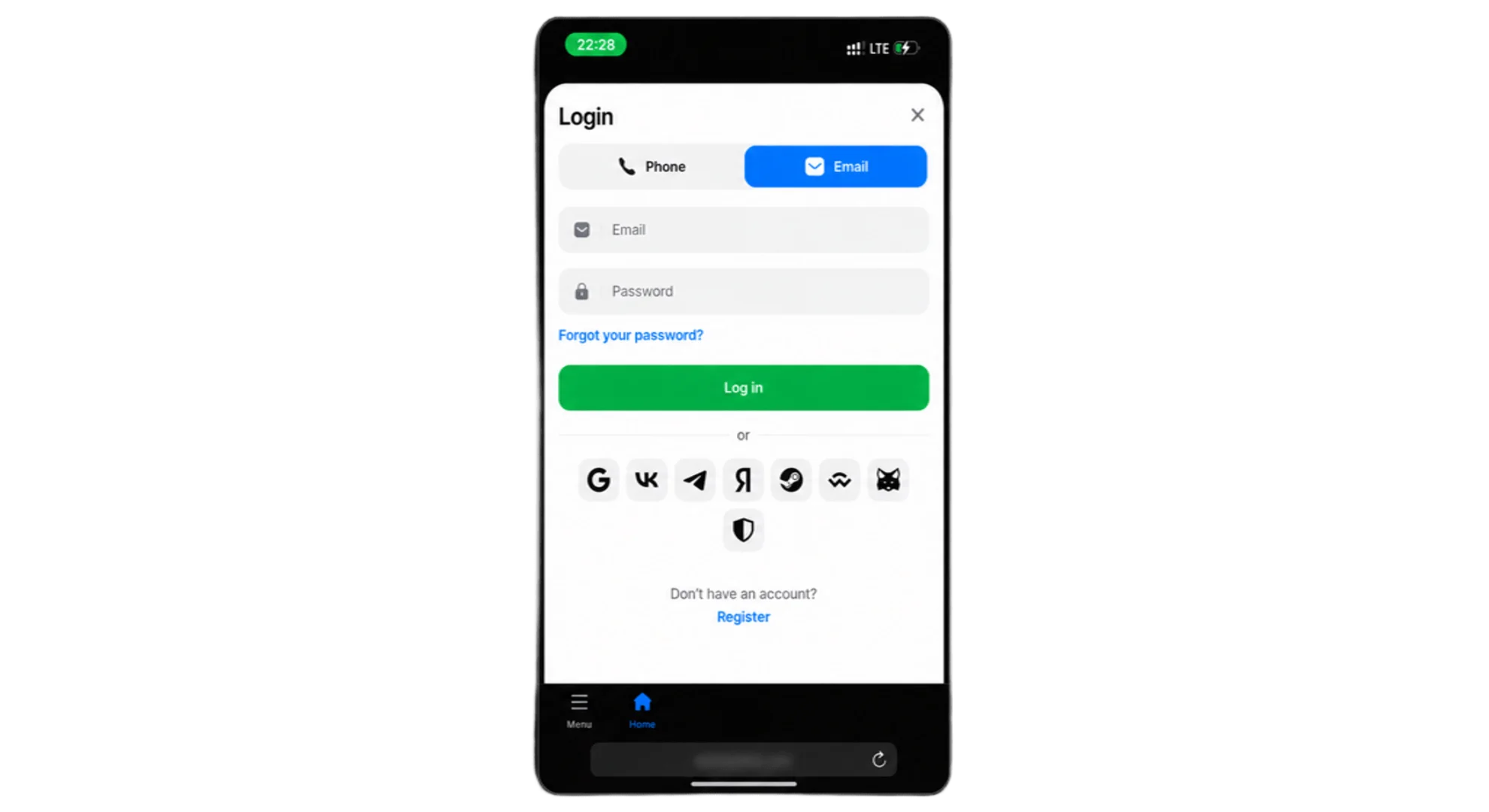
Log In or Register
From there, sign in if you’re already a player, or register if this is your first time.
Technical Specifications
| Requirement | Minimum | Recommended |
|---|---|---|
| OS version | iOS 11.0 or later | iOS 13.0 or later |
| Free storage | 100 MB | 200 MB |
| Browser | Safari | Safari (latest version) |
iOS Devices for Stable Gaming
Runs fine on most iPhones and iPads still in daily use:
- iPhone 8 and newer
- iPhone SE (2nd generation and later)
- iPhone 11, 12, 13, 14, and 15 series
- iPad (6th generation and later)
- iPad Air and iPad Pro models from 2018 onward
Casino App for PC Users
PC gets one too – implemented as a PWA that runs through the browser, opening in its own dedicated window rather than a regular browser tab. Download buttons below this section.
- Click the app icon in the top-right corner of this page.
- In the small window that pops up, select “Place on desktop.”
- Click “Install” and wait a few seconds for it to finish.
- Open the new icon from your desktop and log in.
What that gets you:
- Opens in a focused window with no browser tabs or distractions around it
- Quick access by pinning it to your taskbar
- Stays in sync across your devices, same account everywhere
Getting Started With the 1win App
First time opening the app, you’ll see two options – register or log in. Neither takes long, and neither needs anything you wouldn’t already give on the website.
Registration via Mobile App
- Tap “Register” on the opening screen.
- Pick your method – phone, email, or a linked social account.
- Fill in your details, including your account currency (PKR)
- Set a password, 8 characters minimum.
- Got a promo code? Enter it here – optional.
- Confirm, verify if asked, and you’re in.
1win App Login
Already have an account?
- Open the app, tap “Login.”
- Enter your phone number or email.
- Type your password.
- Tap “Login” – balance and bet history load right up.
Forgot your password? There’s a link for that right on the login screen.
Special Offers for Downloading the Mobile App
Just installing the app earns you 200 Points, credited automatically the moment you open it and log in. Each Point’s worth around PKR 1.75, so 200 of them comes to roughly PKR 350. You can’t cash that out on its own, though – you’ll need to build up to 1,200 Points (worth PKR 2,100) before an exchange kicks in, and you’ll need at least one deposit on the account first. Once you hit that threshold, converting Points to cash happens from the Balance menu, with a 1x wagering requirement before you can withdraw.
Welcome Bonus for Newcomers
Register through the app and you get the same welcome package everyone else gets on 1win – just unlocked from your phone instead of a browser. Up to 500% across your first four fiat deposits, or 600% if you’re depositing crypto, topping out around PKR 556,000 combined. The percentage drops with each deposit, so going in early gets you more.
How to Update the App to the Latest Version?
iOS is easy – nothing to do. The PWA refreshes itself in the background every time you open it, since it’s really just a shortcut to the live site. Android takes a bit more effort. Check your version under Settings or “About” in the app, and if there’s a newer one out, updating works exactly like the first install:
Grab the Latest APK
Download the newest version – the buttons below this section.
Open the File
Head to your Downloads folder and tap the new file.
Install
Hit “Install” – this updates the existing app rather than creating a duplicate.
Confirm It Worked
Open the app once done to make sure everything’s running normally.
Comparison of Different Versions of the Mobile App
Every version gets you the full sportsbook and casino – what changes is speed, storage, and how it feels to actually use.
| Feature | Android APK | iOS PWA | PC App | Mobile Website |
|---|---|---|---|---|
| Installation required | Yes | Yes (added to home screen) | Yes (added to desktop) | No |
| Storage used | ~5.25 MB download | Minimal, browser-based | Minimal, browser-based | None |
| Loading speed | Fastest | Fast | Fast | Depends on browser/connection |
| Offline access to cached screens | Yes | Limited | Limited | No |
| Push notifications | Yes | Limited (platform-dependent) | Limited (platform-dependent) | No |
| Auto-updates | Manual check | Automatic | Automatic | Always current |
For most Android users in Pakistan, the APK’s the smoothest day-to-day option. iPhone owners get nearly the same thing through the PWA – plus updates happen without you lifting a finger.
Casino Section in the Mobile App
The casino lobby brings over everything from the desktop site, just built to work with one thumb. Categories are easy to scroll through:
- Slots
- Live Casino
- Crash Games
- Table Games
- Local favorites like Andar Bahar and Dragon Tiger
- Jackpot games
A couple of taps and you’ve filtered by provider or game type – recently played stuff stays right near the top.
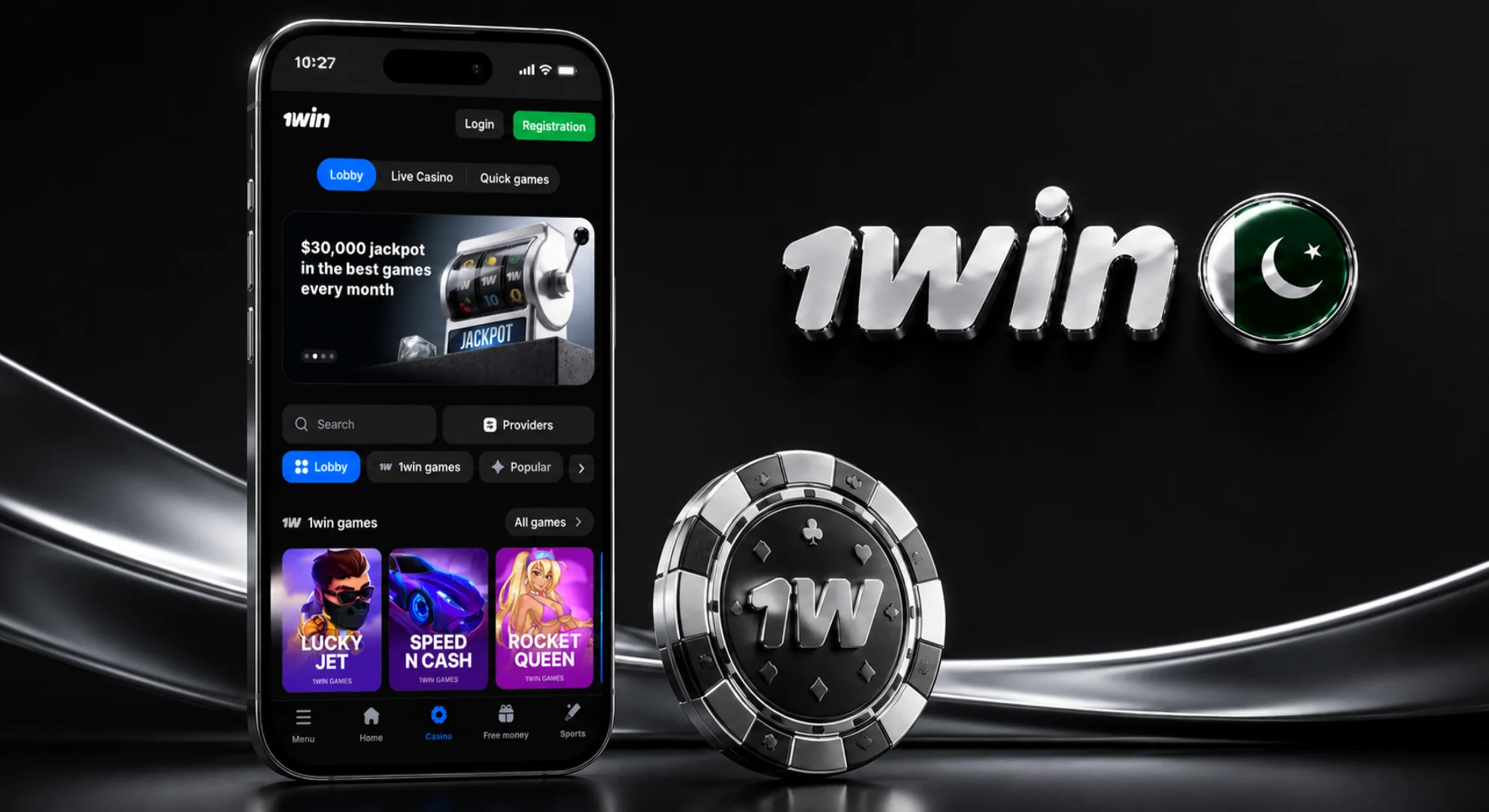
How to Start Playing Casino Games in the 1win App?
Getting from login screen to an actual spin takes just a few taps – here’s the whole path, from opening the casino section to placing your first stake.
Open and Login
Launch the app and sign in to your account.
Head to Casino
Tap Casino from the main menu.
Pick a Game
Browse by category, or check what’s Popular with other players in Pakistan right now – that’s usually the fastest way in.
Open a Title
Tap a game to launch it – something like Aviator loads in a couple of seconds.
Set Your Stake and Play
Enter your bet amount and start playing. Need to top up first? You can do that from the same screen without leaving the game.
Mobile Sports Betting
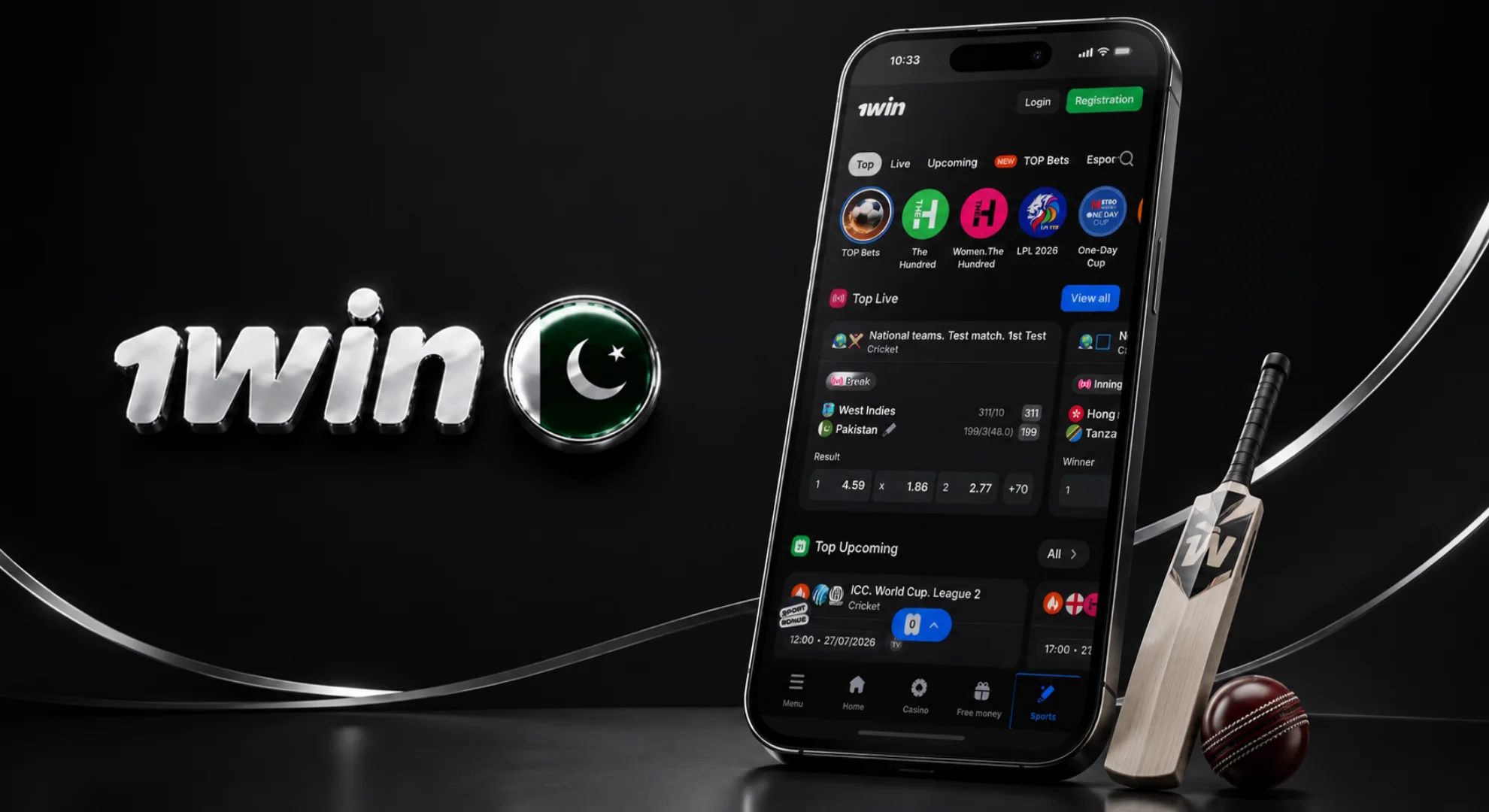
Betting from the app just feels faster than the browser – odds update quicker, and there’s less between deciding on a bet and actually placing it. Popular among Pakistani players:
- Cricket
- Football
- Tennis
- Basketball
- Esports
Why it beats the mobile site specifically:
- Match notifications so you never miss kickoff or the toss
- Fewer taps to place a bet
- Odds updating live during the match
- A live-betting screen built for a small display, not squeezed into one
Payments in the 1win Mobile App
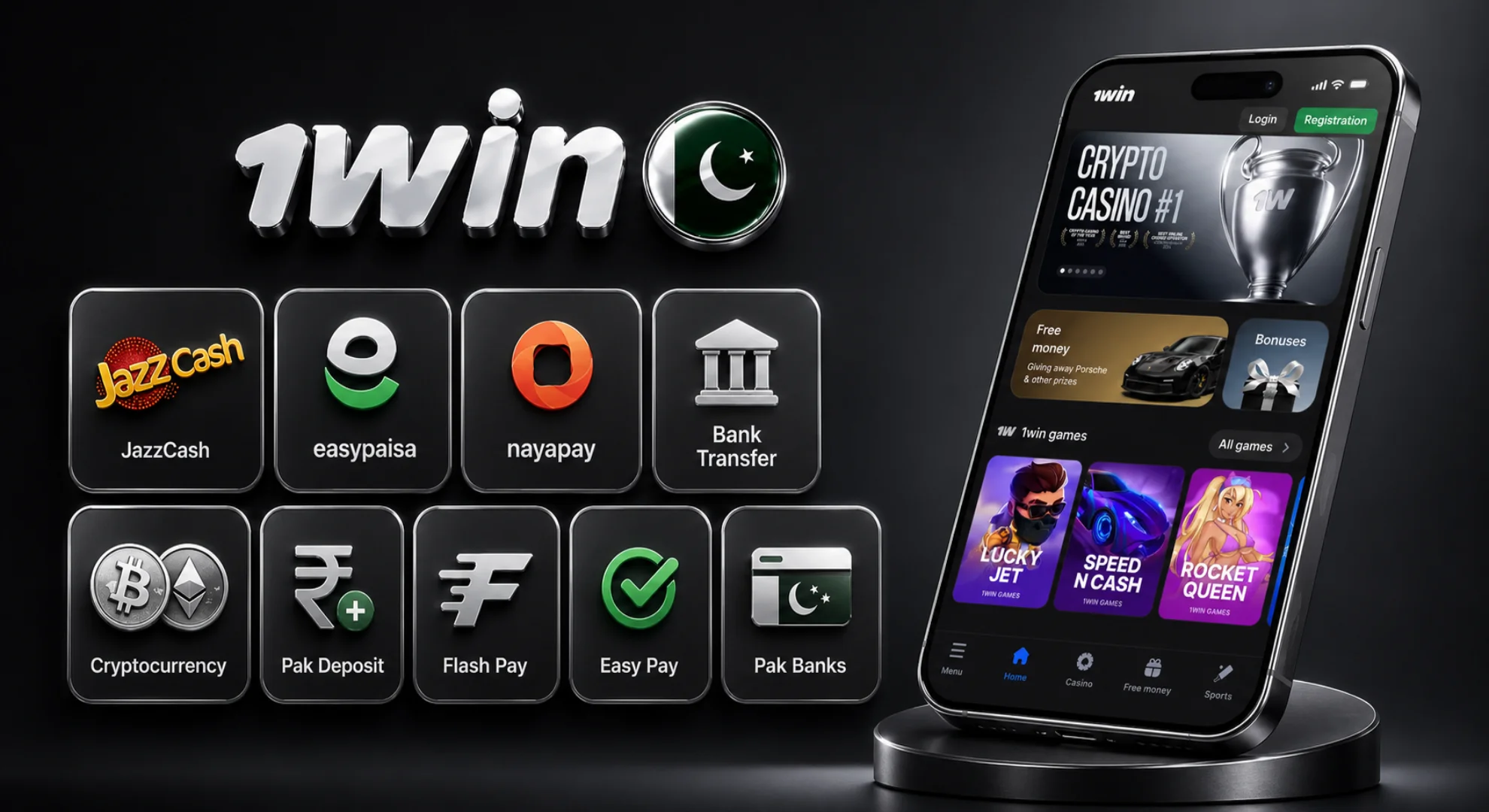
Depositing and withdrawing works exactly like the website – same methods, same processing times, same account behind it. For Pakistani players, that’s:
- JazzCash
- Easypaisa
- Nayapay
- Bank transfer
- Cryptocurrency
- WhatsApp/Facebook local channels (Pak deposit, Flash Pay, Easy Pay, Pak Banks)
Everything runs encrypted, and the app doesn’t keep your payment details stored locally – it all goes through 1win’s secured gateway. JazzCash and Easypaisa deposits land instantly; withdrawals can take anywhere from a few minutes up to 72 hours, depending on the method.
1win App Support for Pakistani Players
Something not working? Question about a bet or a bonus? Support’s reachable right from the app.
| Channel | Details |
|---|---|
| Live chat | Available 24/7, average response time around 2 minutes |
| support@1win.social | |
| Security concerns | security@1win.social |
| Telegram bot | @FAQ_1win_bot |
FAQ
18+. Gambling can be addictive – please play responsibly and only bet what you can afford to lose.
Updated: